
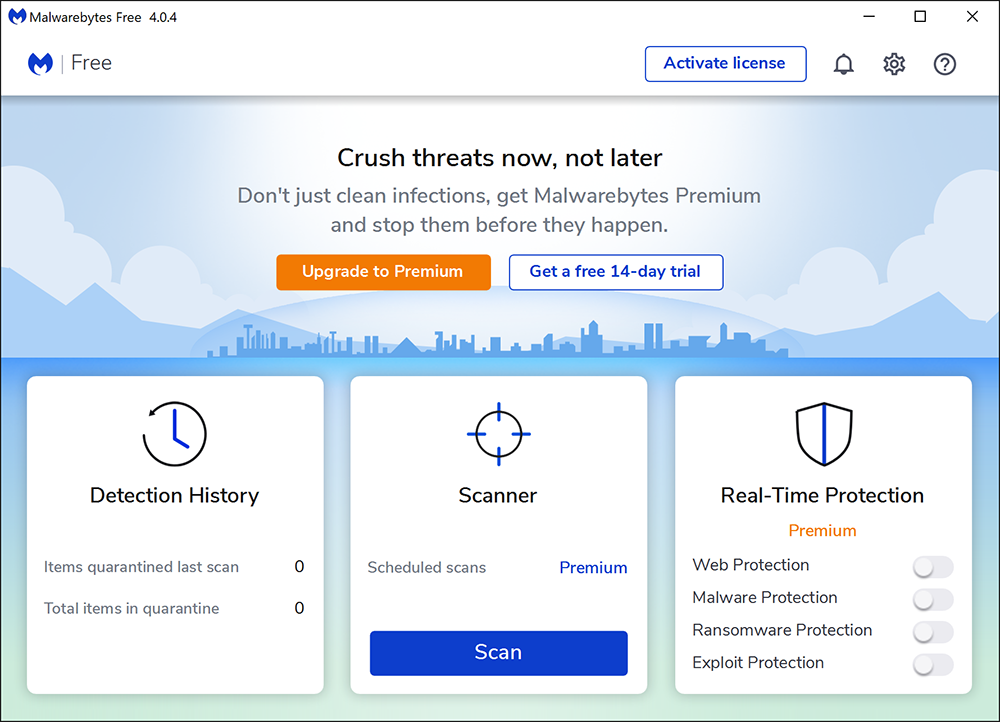
The Malwarebytes anti-malware program, in the free version. You can see the three options; only two of them are unlocked.
 0
0
 0
0
As you use your computer you will begin to notice, if you frequently download applications from the Internet, malware building up on your computer. This malware is malicious to your computer, and it is best that it stay away, but sometimes you just can’t control these ugly little bugs getting onto your computer.
Often times they’ll come from the Internet, as you might’ve guessed. They will come bundled in with a bunch of its “friends”, and they’ll infect your computer together. If you start to notice a slight decline in the performance of your computer, then you might want to do a quick scan for malware using your anti-malware program.
Speaking of anti-malware programs, it’s best that you have one on hand at any time in case anything crazy should happen. As you know, the best anti-malware program of the year changes every single year, so it’s really hard to keep track of which one’s which. But in 2020, the current program is Malwarebytes.
Did you know that even anti-malware programs can bombard you with “pay up” signs? Well, they can. In fact, most of the anti-malware programs do that. And it’s awfully frustrating to find that keeping your computer safe costs money.
Malwarebytes gives you a 14-day free trial of their anti-malware program , which is good enough to clear up a medium-sized bundle of malware. Malwarebytes has the capability to scan, quarantine, and wipe out any malware that should appear during scanning on your computer.
It is obvious that at some point you’re going to have to find yourself deleting malicious programs and/or websites from your computer (and its friends), so don’t expect it to be a short job clearing up malware from your computer. Computer malware is a tricky thing, and often times you won’t be able to get away with trashing it without an anti-malware program.
So that pretty much sums it up about everything to keep in mind about computer malware. It happens at least once in a computer lifetime, but it is possible for it to not happen if you don’t download web applications too frequently.